





Technical files
Documents
Specifications and installation information can be viewed or downloaded as PDFs from our server.
Videos
r-tec Photocell
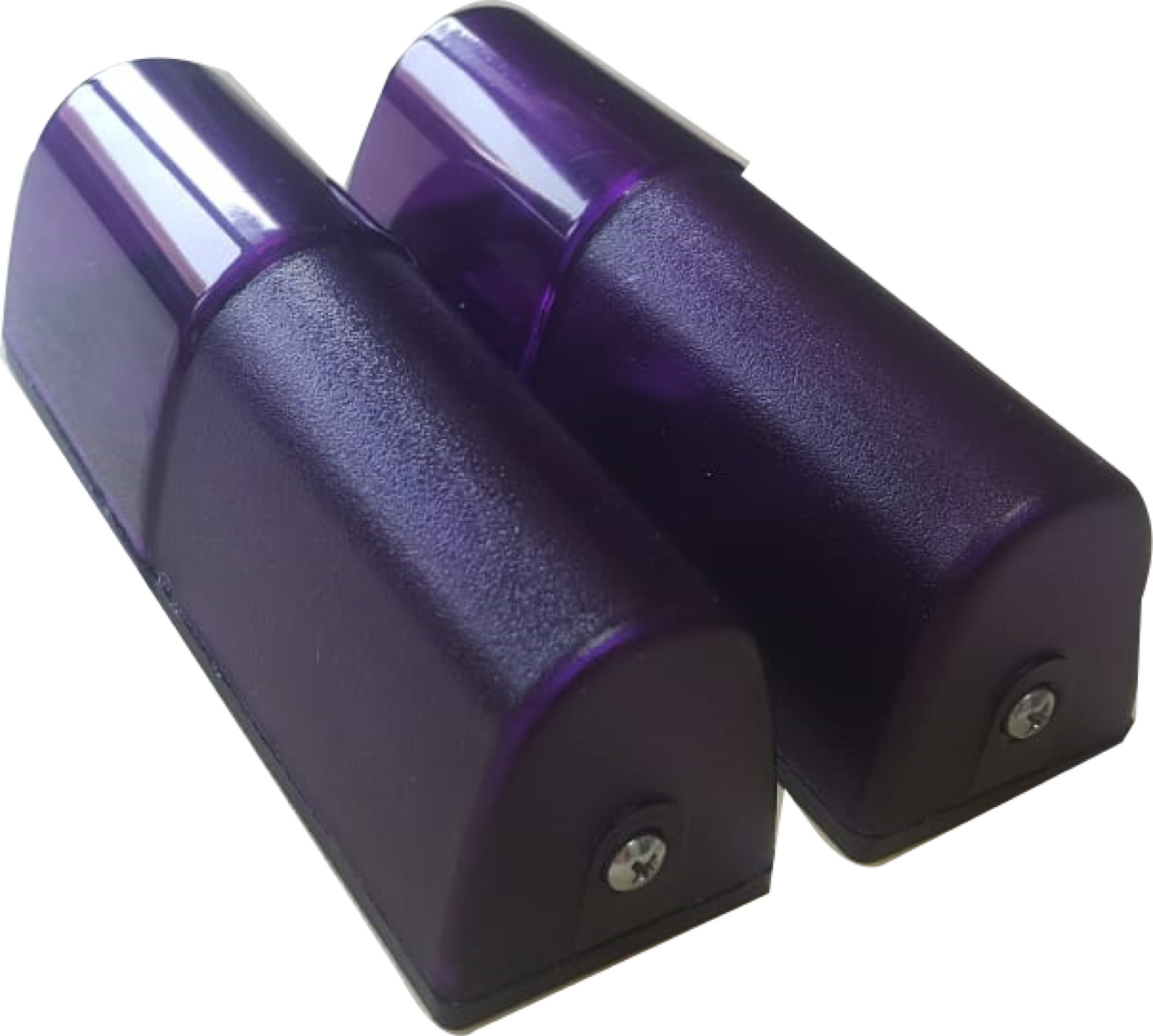
The photocell can detect an interrupted beam across a passage. Whether the door stops or reverses depends on the connected control board, wiring and settings of the completed installation. These product sheets do not establish a universal installation obligation for every door or barrier.
Model and connection scope
- The IR20 sheet shows 12–24 V DC supply, NO/NC contact options and sensitivity adjustment.
- MF-A and BT180 sheets list 15 m distance; this is not a documented IR20 range.
- The BT180 sheet shows a battery transmitter and a 12/24 V AC/DC receiver.
Read the current diagrams for both the selected photocell and control board to confirm compatibility and the safety function when the beam is interrupted.
Technical document
Technical documents for BT180, MF-A and IR20 are available in this page’s downloads. The dealer’s technical team assesses model selection, wiring and alignment. The dealer, distributor or partner submits questions requiring manufacturer assessment. The r-tec error-code and fault-symptom guide explains how photocell symptoms are assessed with the control board.
Frequently Asked Questions
Below we've compiled the most common questions and answers regarding this product.
-
How is the r-tec safety photocell (IR20) connected and aligned?
The IR20 sheet shows 12–24 V DC supply, NO/NC contact options and sensitivity adjustment. It does not state a 15 m range or 12/24 V AC supply for IR20; those values must not be copied from BT180 or MF-A. Verify transmitter-receiver placement and the control-board input against the selected model's wiring diagram.
Contact our team for model-specific information or a quote.