






Technical files
Documents
Specifications and installation information can be viewed or downloaded as PDFs from our server.
Technical documents
1Installation guides
1Key technical specifications
The most critical technical parameters of this product.
- Application r-tec automatic-door mechanical diagram
- Board connection K2 port, terminals 3–4
- L1 settings 00: position switch off; 01: each closing
- L2 settings 01: 1 s; 02: 2 s delay
Videos
Documented scope
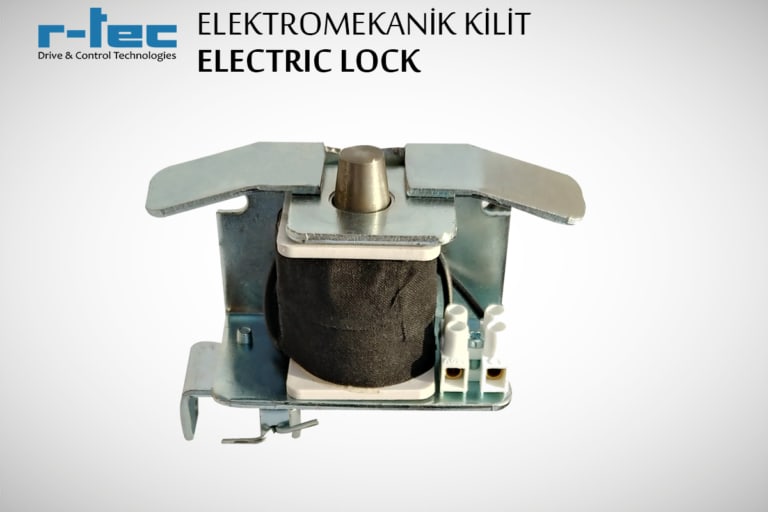
The r-tec electromechanical lock appears as an optional part in the automatic-door mechanical diagram. The technical sheet shows its control-board connection and two related settings. It does not specify supply voltage, current, IP rating, material, cycle life or a manual-release method.
Control-board connection
The sheet places the lock connection on terminals 3–4 of the K2 port. L1 selects locking when the position switch is off or on every closing. L2 lists 1- and 2-second delays before door motion.
The Turkish and English sheets differ in their description of L2=00. Confirm the function of that setting against the manual for the installed controller model and revision. Pairing with another drive or board, electrical ratings and emergency-release instructions require their own manufacturer documentation.
Frequently Asked Questions
Below we've compiled the most common questions and answers regarding this product.
-
Is this lock mandatory for an automatic door?
No. The mechanical assembly list marks the electromechanical lock as optional. The sheet does not establish compatibility with garden gates, barriers or industrial control boards.
-
How are wiring and delay selected?
The sheet shows K2 terminals 3–4 on the control board. L1 selects the locking condition and L2 the motion delay. The Turkish and English sheets describe L2=00 differently, so confirm that setting in the manual for the installed board revision.
Contact our team for model-specific information or a quote.